Airbnb and Booking.com channel manager: one calendar, both ways
Filling the gaps between mid-term tenants with short stays is one of the quickest ways to lift occupancy: a 4-night gap at €90 a night is €360 that would otherwise be lost. But once Airbnb and Booking.com run on their own calendars, someone has to copy every new booking across, update nightly prices on two extranets and hope two guests never land on the same night. An Airbnb and Booking.com channel manager takes that copy work away.
VIVIN's Native Channel Manager connects your Airbnb and Booking.com accounts through an official API connection, for coliving, student housing and mid-term operators who sell short stays in between. Prices, stay rules and availability flow out from VIVIN; reservations, their amounts and the guests' changes flow back in. It completes the multi-channel distribution that maximizes occupancy on mid-term portals.
Why iCal sync is not enough for short-term rentals
- Prices do not travel - every nightly rate change is made again on each extranet.
- Reservations arrive as blocks - a calendar link imports dates, not a guest, a payment or a stay you can manage.
- Changes arrive late - calendar links are read on a schedule (VIVIN reads them every 30 minutes), so a popular night can still be sold twice.
For an operator with 20-30 units open to short stays, that can mean 10-20 hours a month of channel admin, plus the occasional overbooking.
How does VIVIN's Airbnb and Booking.com channel manager work?
1. Connect each account once
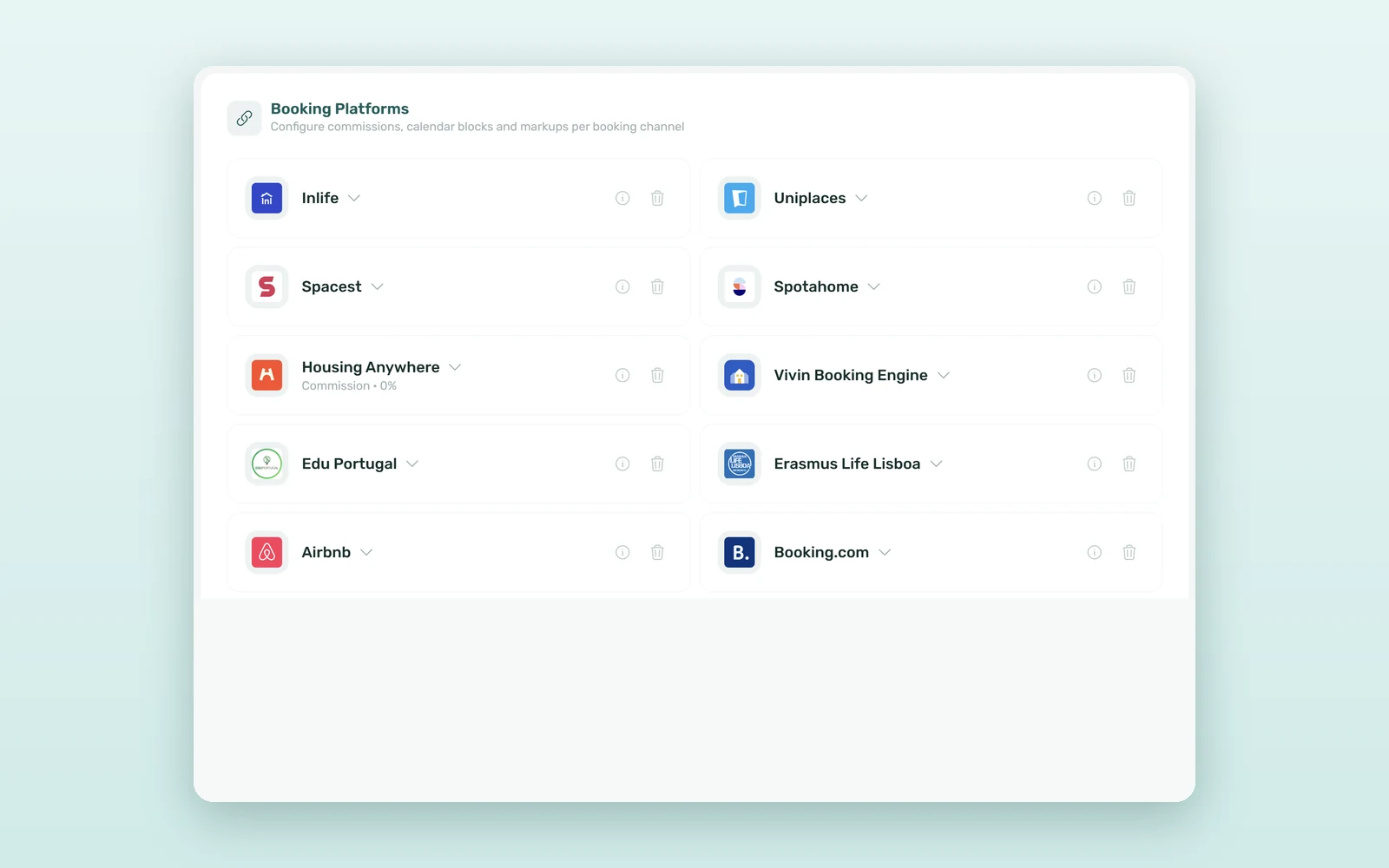
In Settings > Integrations, click Add and pick Airbnb or Booking.com. For Airbnb, Connect Airbnb opens Airbnb's own authorization page: approve the access, come back and click Finish connection. For Booking.com, you add the hotel IDs of your properties once VIVIN's connectivity provider is selected for them in the Booking.com extranet. You can connect several accounts of each channel.
2. Link each unit in the Channel Manager
Switch on Short term for the unit (in Listings, on the unit's Setup tab). Then, in Sales > Channel Manager, click the unit's Airbnb or Booking.com cell and choose how it syncs: Full integration (two-way sync of prices, availability and bookings), Calendar link (iCal) (a one-way import of blocked dates) or No integration. With a full integration you pick the channel listing or hotel ID from a list.
3. Prices, rules and availability go out from VIVIN
The unit's Short term section is the one place to set Price per night, Min stay (nights), Max stay (nights) and Sale window (days), which go to both channels. Airbnb also gets its own fees, discount and visibility from the same section, and the Nightly calendar sets custom prices for a range of nights. Every mid-term booking or manual block in VIVIN closes those nights on the channels - the same stays you see in the rental availability calendar.
4. Reservations arrive with their money
A new Airbnb or Booking.com reservation becomes a VIVIN booking on the right unit, with the guest, the dates and a payment plan for the reservation total, platform commission included. When the platform collects the money, its payment is recorded automatically. Short stays carry no security deposit and no rental contract.
5. Guest changes are applied for you
When a guest changes a stay on the channel, VIVIN moves the booking, its calendar and its payment plan to match, logs the change and notifies you. If something in VIVIN blocks the new dates, such as a booking added by hand, nothing is forced through: the change waits on the booking as a note for your team. When an Airbnb guest asks to change dates, a bell notification and an alert at the top of the guest's chat in the booking's Communication tab make sure someone answers in time.
6. Group bookings, existing reservations and stay type
A Booking.com guest who books several rooms in one reservation arrives as one VIVIN booking per room, each with its share of the amount. Import bookings on the connection card brings in the current and upcoming reservations the channel already holds for your linked units. Then the Stay type filter (All, Mid-term, Short-term) in Other filters on Bookings, Finance and Operations tickets lets you look at one business at a time.
How much time does an Airbnb and Booking.com channel manager save?
An illustrative estimate for an operator selling the gaps of 25 units on Airbnb and Booking.com, with about 70 short-stay reservations a month:
| Task | Calendar links and extranets | Native connection |
|---|---|---|
| Nightly price change | Made 2-3 times | Made once, in VIVIN |
| Entering one reservation | 5-10 minutes | Created automatically |
| Payout reconciliation per month | 3-6 hours | Recorded automatically |
| Guest date changes | Re-entered by hand | Applied to booking and plan |
| Channel admin per month | 10-20 hours | 1-3 hours |
That is 8-17 hours a month back for your team, and a much lower risk of selling the same night twice.
Mid-term and short-term rentals in the same room: a worked example
A student leaves on 30 June and the next tenant arrives on 1 September. Switch on Short term for the room at €90 a night with a 3-night minimum stay. If Airbnb and Booking.com fill 70% of the 62 nights of July and August, that is about 43 nights, or €3,900 the room would otherwise not earn - and the September booking keeps every night from 1 September closed.
How to connect Airbnb and Booking.com to VIVIN
- In Settings > Integrations, add an Airbnb or Booking.com card and connect it.
- Switch on Short term for the units you want to sell by the night and set their price and stay rules.
- In Sales > Channel Manager, choose Full integration on each unit's channel cell and pick its listing.
- Click Import bookings to bring in the reservations the channel already holds.
See everything the VIVIN channel manager connects, or book a demo to try it with your own listings.
Frequently asked questions
What is the difference between a channel manager and iCal sync?
An iCal link only imports blocked dates from a channel's calendar, on a schedule. A channel manager uses the platform's API to send prices, stay rules and availability, and to receive full reservations with the guest, the amounts and any later change. In VIVIN, each unit uses one or the other per channel, never both.
Do I need to share my Airbnb password with VIVIN?
No. You connect Airbnb from Settings > Integrations with Connect Airbnb, which opens Airbnb's own authorization page, and then click Finish connection. Booking.com connects with your hotel IDs. VIVIN manages the channel credentials, so nobody on your team types an Airbnb or Booking.com password into VIVIN.
How are Airbnb payouts and commissions recorded?
Each reservation's payment plan carries the reservation total, platform commission included, and Contract Info shows the commission and its percentage. When Airbnb pays you, or Booking.com collects the guest's payment, the platform payment is recorded automatically. A Booking.com guest who pays at the property leaves the amount due until your team records it.
Can I change or cancel an Airbnb booking inside VIVIN?
The channel stays in charge of its reservations, so dates and amounts are locked in VIVIN. Change or cancel the stay on Airbnb or Booking.com and it syncs back automatically, payment plan included. If the channel is slow to cancel, you can set the unit to No integration and cancel in VIVIN with no refund.
One calendar, two businesses. Mid-term tenants and short-stay guests share the same units, so they should share the same calendar - with every price, booking and payout in one place.


